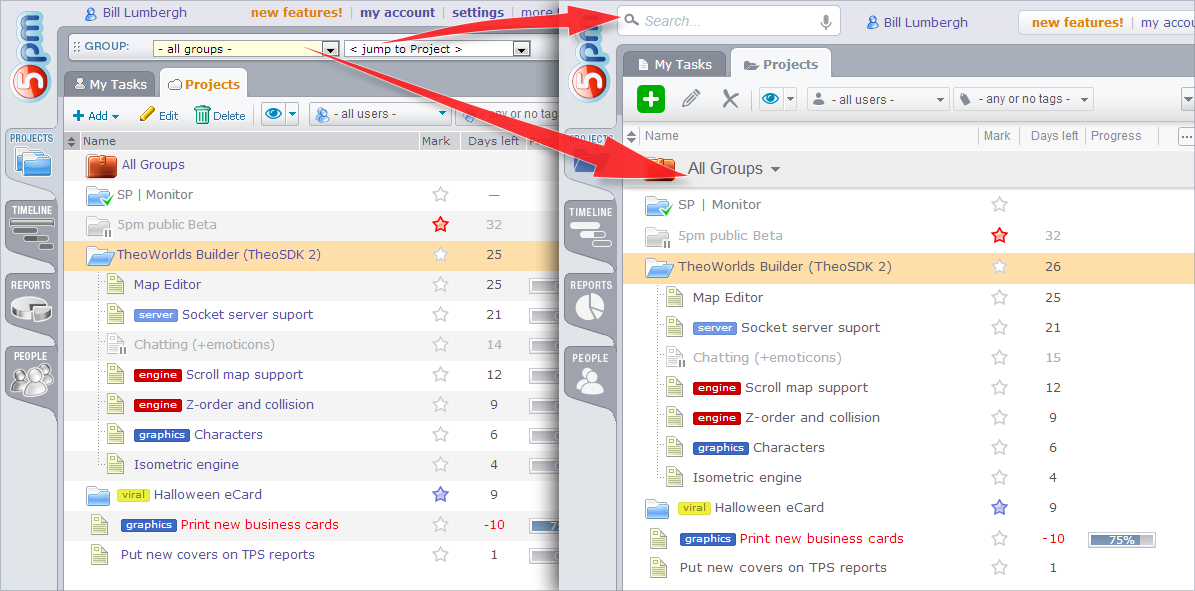
For those who have trouble locating the old “Groups” and “Just to Project” dropdowns we did draw a picture indicating where those are now located.
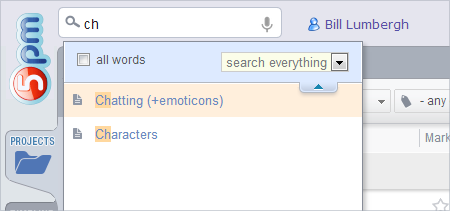
As mentioned in the previous article, the “just to project” function is now part of the search, as the real time search returns the list of projects (and also tasks, files, etc) when you are typing the first letters of their names.
Click on the picture to see the full size:
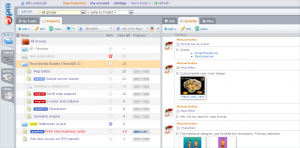
Today we released an interface update of the main screen – we made it cleaner, lighter, eliminated some clutter and adjusted it to fit better the modern screens – like using bigger fonts and more spacing.
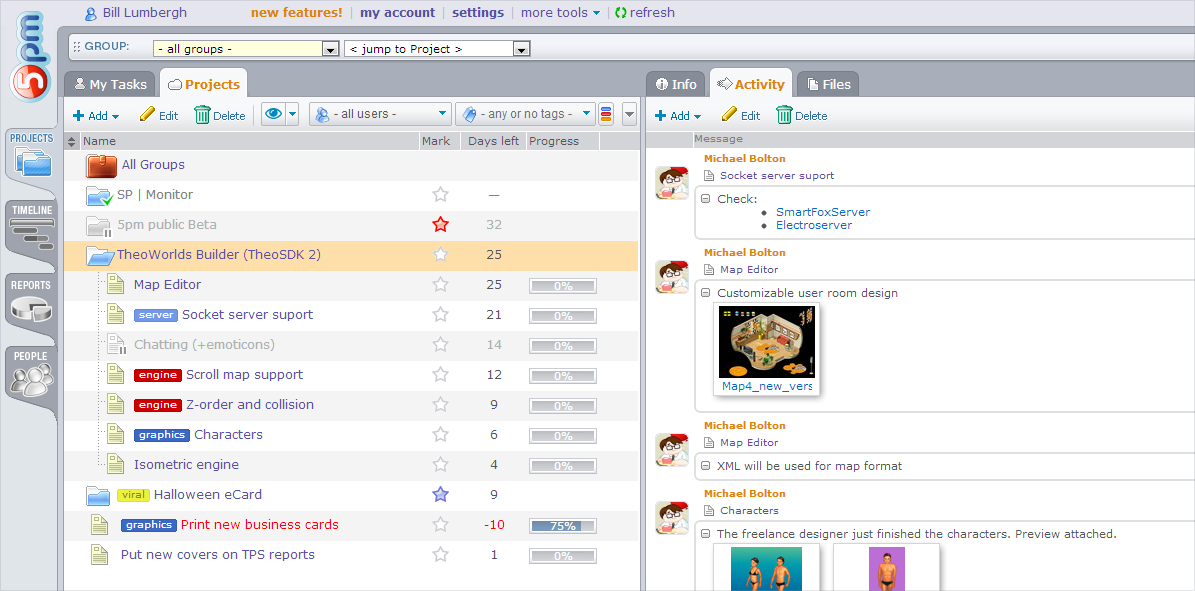
This is how the “old” (though constantly updated over the years) design looked (click on images to see the full size):
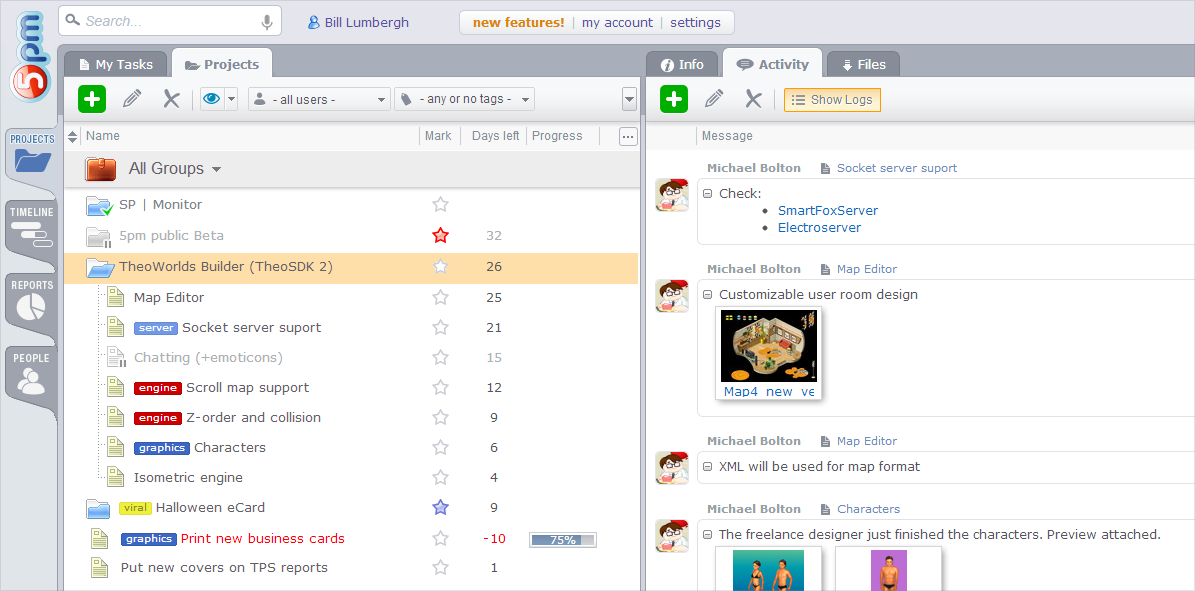
And here is the latest version:
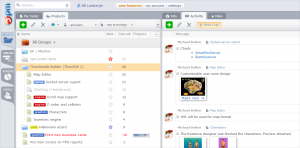
Besides the design changes, we added some new functionality. Now the Search function searches in real time, suggesting the items found right away. This function also replaced the old “jump to project” dropdown.
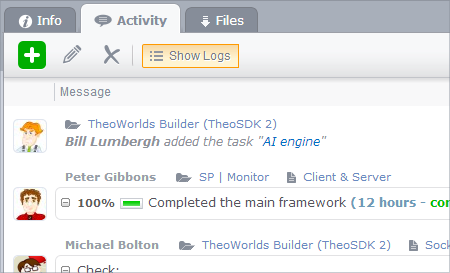
Also, we added one big feature – the display of user logs in the Activity panel. It is turned off by default, but you can turn it on to see not only messages and files people posted, but also the actions they did, like posting a project, editing a task, etc.
We hope you like the updates and find the new features useful.
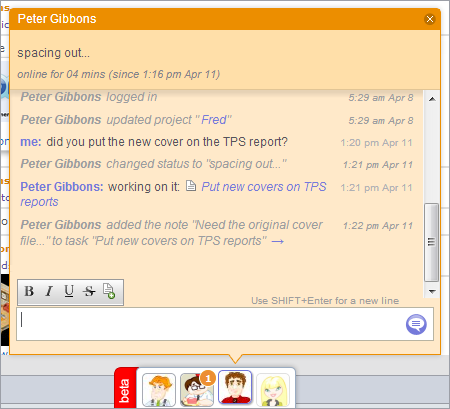
Social Toolbar is a great new addition to 5pm – you will see it at the bottom of your screen, outside the main interface. It allows you to see the team members that are logged into 5pm, check their status, history logs and even chat with them in real time!
For the past weeks we have been releasing this feature gradually to all 5pm accounts. Today it is available to all our customers, including the free trials (it is enabled automatically once you add the second user into your 5pm account). [read more ]
We just released a totally new, redesigned from scratch, version of 5pm iPhone app.
Developed in-house, using native iPhone components, with extended support of gestures and better stability and speed – we hope you will enjoy it.
Find it on iTunes: 5pm iPhone app v2.
 We released the new version of 5pm API (v2): https://www.5pmweb.com/5pm_api.php.
The new iPhone app we just built (it is going through the review process in iTunes right now) was built using this new API.
The old version (v1) is still supported at this point, but we recommend switching to the new one.
Since we introduced rich text formatting in messages, copy-pasting texts from other places sometimes created undesired results, losing formatting like line breaks. We reviewed the ways we are cleaning up the pasted text and updated the way it works – give it a try!
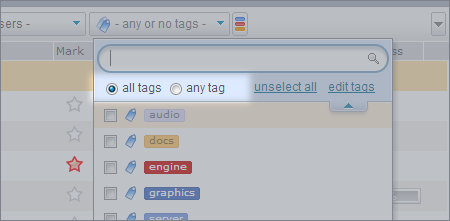
We just updated the filter by multiple tags to include the option to show projects/task that contain any of the listed tags (besides all of them) – this will make the tags even more flexible!
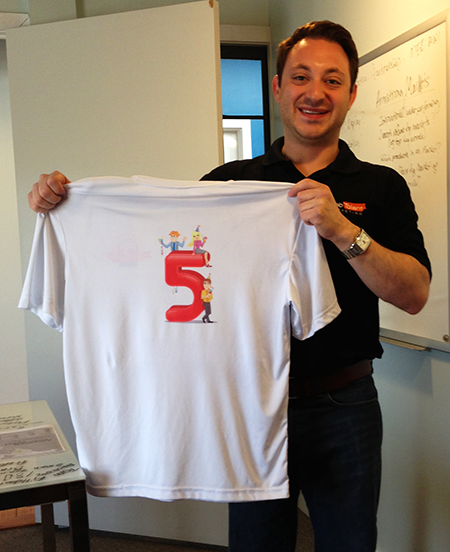 In November we celebrated the 5th anniversary of our 5pm project management app. As part of this celebration we had the anniversary t-shirts printed out.
On the picture above Mike Canarelli, with Web Talent Marketing, is showing off his 5pm t-shirt. Mike has been using 5pm right from the start – since November 2008. Thank you Mike, for sticking with us for over five years now!
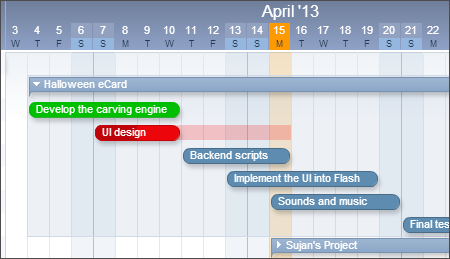 Today we finally released the new updated Timeline – version 2!
While it may look familiar to you, it has been totally rebuilt. Besides the numerous small improvements, we also added big new feature like an advanced print mode and a project/task names list panel.
Since the new Timeline is a totally new version, it is released as a beta right now. You can switch between the old and new version in the Timeline tab.
Feel free to give it a try and let us know what you think.
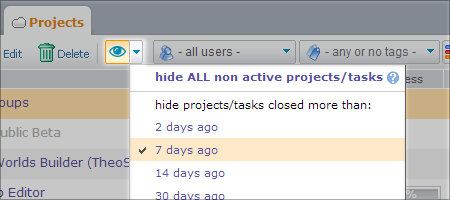
We used to have the “Active” filter that hides the closed/on-hold projects and tasks, and also the “Auto-archive” filter than hides the closed ones after they have been closed for X days. The second filter was more difficult to find, and the word “archive” was misleading, since nothing is archived in reality, just hidden (and only on your screen).
We decided to combine those filters into a single view filter that lets you easily hide what you don’t want to see, and also makes it clear when the filter is applied. You can see the new filter on the top of your left panel. We hope you will find the new filter easier to use – same functionality, all in one place now.